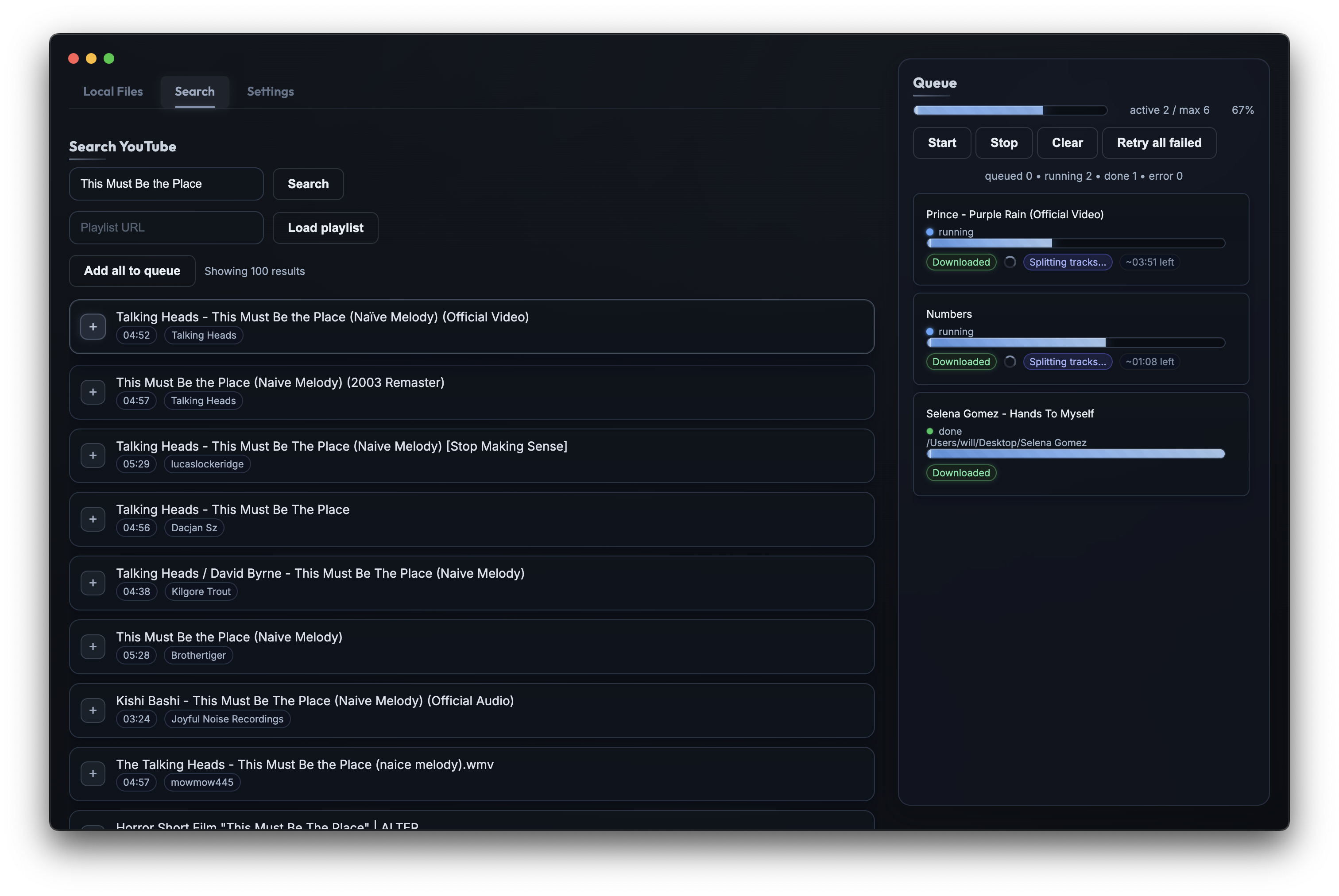
Search YouTube, download audio in pristine quality, and separate vocals from instrumentals. All from one beautiful app.
Unzip the downloaded file and drag SplitBoy to your Applications folder
When you first open the app, macOS will block it. Go to System Settings → Privacy & Security
Find the message about SplitBoy and click Open Anyway
A complete toolkit for downloading and processing audio from YouTube.
Search YouTube directly from the app. Find tracks, DJ sets, live performances, and more without leaving Splitboy.
Download audio at the highest available quality. Perfect for archiving your favorite tracks and mixes.
Load entire YouTube playlists and queue them for batch downloading. Process hundreds of tracks effortlessly.
Powered by Demucs AI, separate any track into vocals, drums, bass, and other stems with studio-quality results.
Manage multiple downloads with an intuitive queue. Start, stop, retry failed downloads, and control concurrency.
All your downloads stay on your machine. No cloud, no accounts, no tracking. Your music, your way.
Download Splitboy for free and start building your collection.
Download for Mac